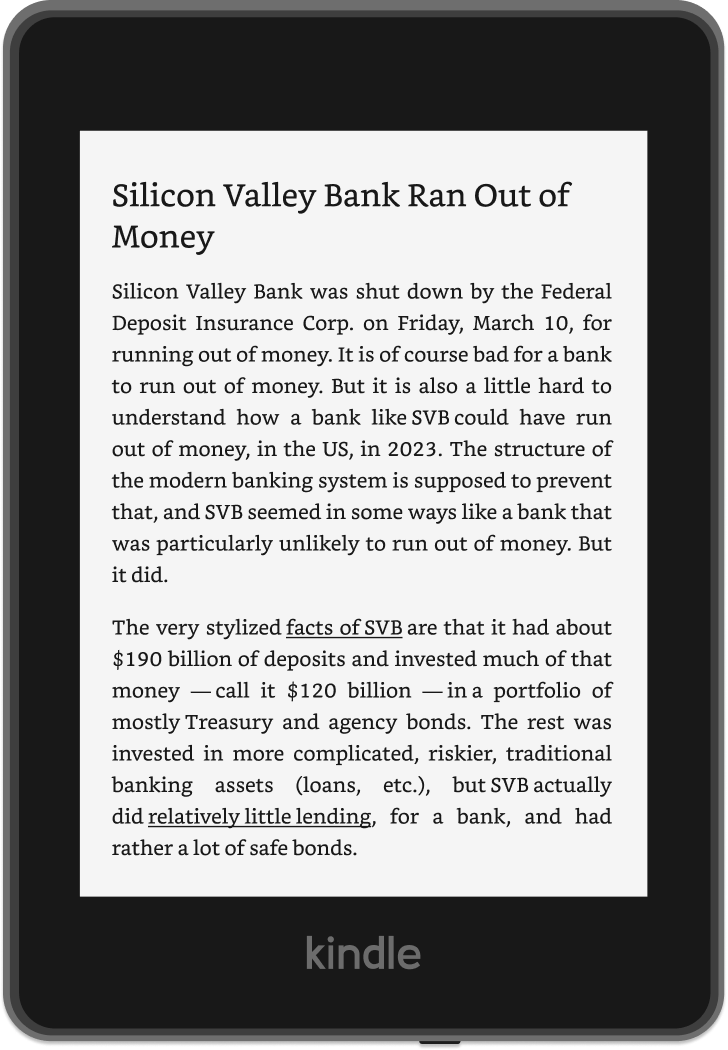
You forward your newsletters to us, and we convert them to Kindle-friendly files automatically
Does Serifize work with Substack?
Yes! You can use Serifize to read Substack on your Kindle. Our Substack setup guide covers free and paid subscriptions.
Do I need to manually send each email to Serifize?
No, we help you set up auto-forwarding for seamless delivery
Is the free plan really free?
Yes! Your first month is unlimited, and after that the free plan converts 3 emails per month at no cost. No credit card needed.
How do your prices compare to other services?
Unlimited is $36 a year, or $4 a month. We've put our prices next to the other newsletter-to-Kindle services on our comparison page, with links to their pricing pages so you can check.
Ready to enjoy your newsletters?
Your first month is unlimited, then it's free for 3 newsletters a month. Set up takes less than 5 minutes.



 Works with Substack, Beehiiv, ConvertKit & more